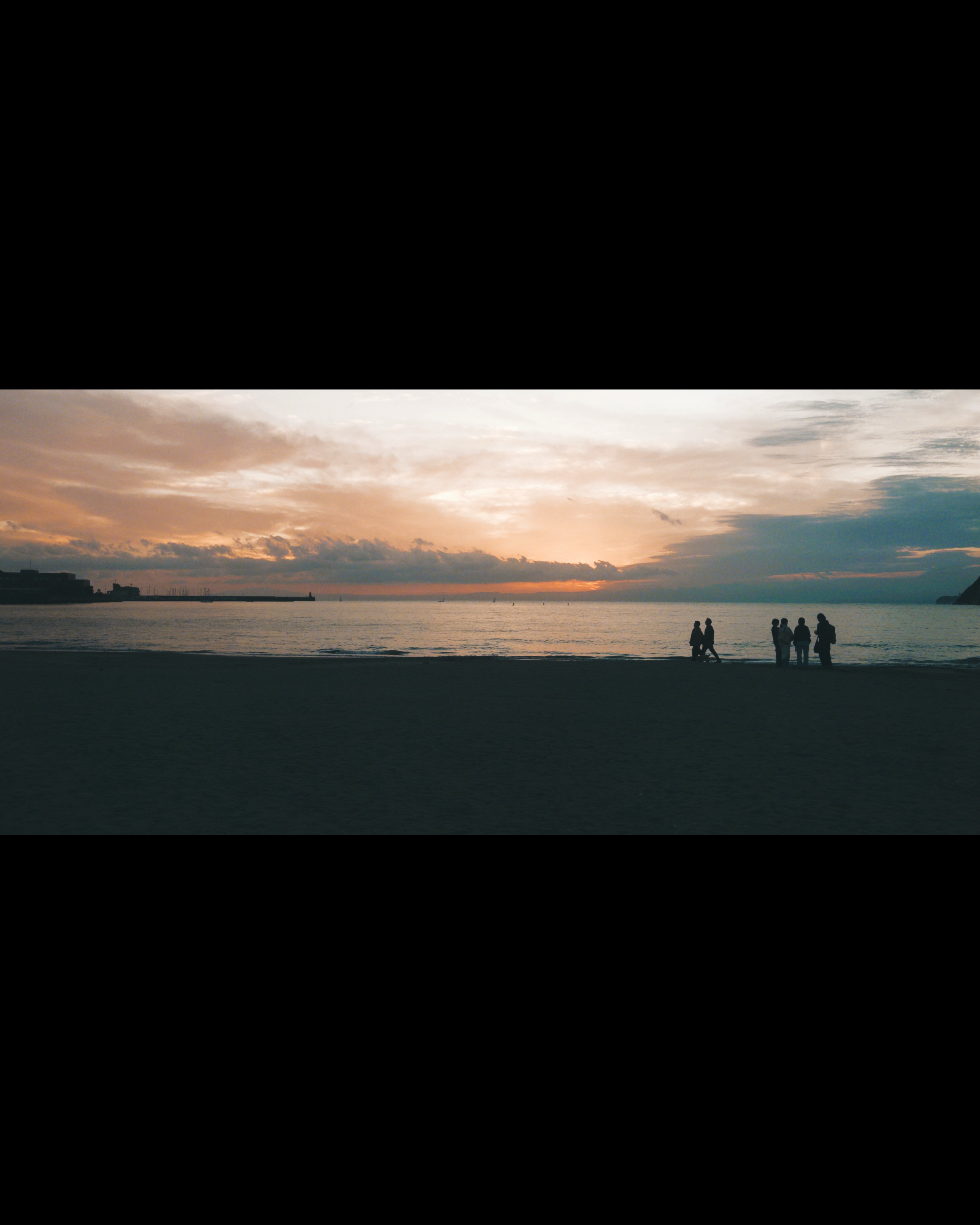
2026.11.03

Just pick a template and write. Any registered member can publish a polished blog right away.
9 posts · 4 writers
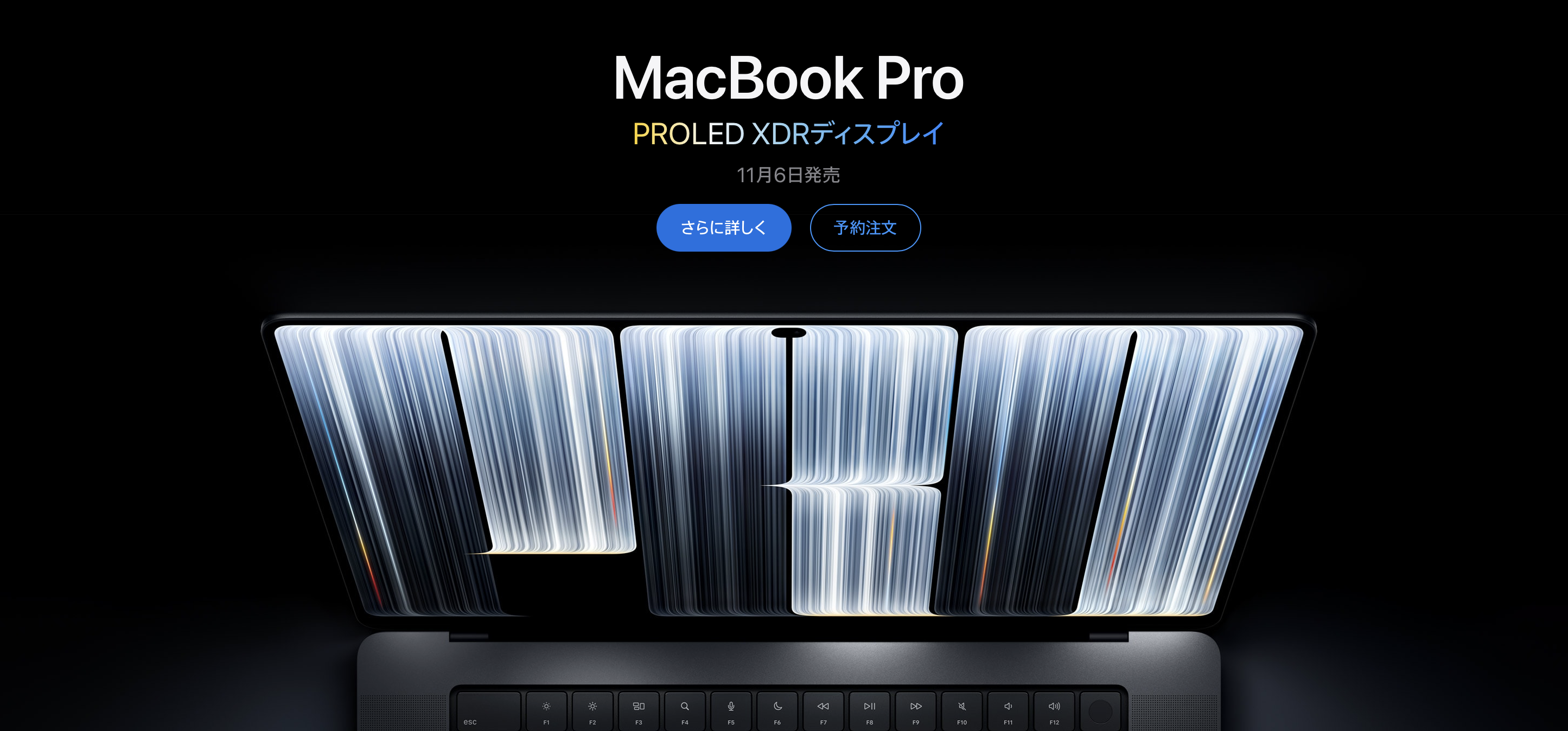
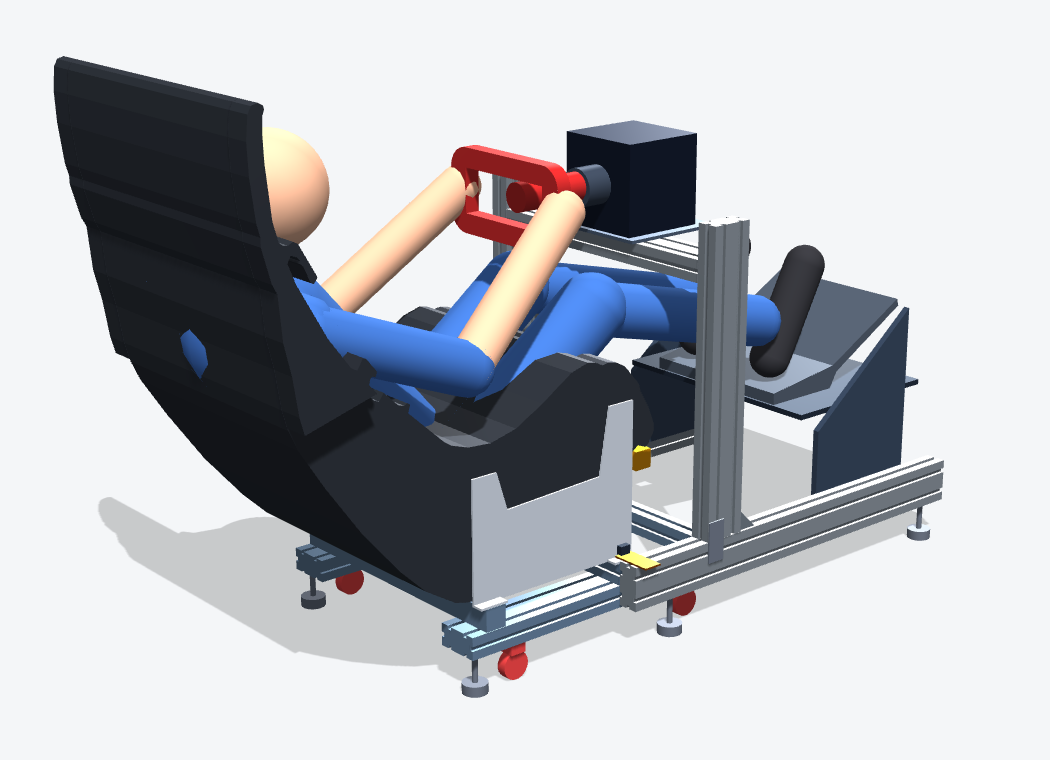
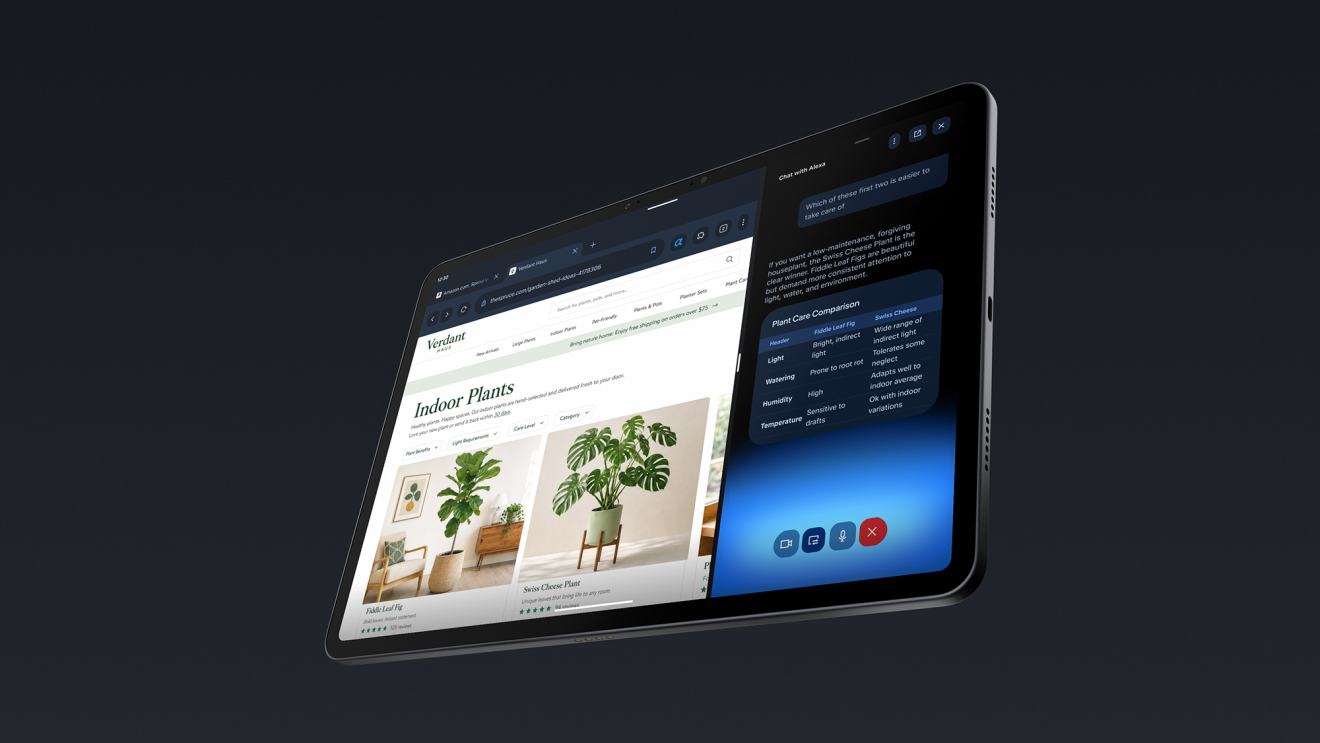
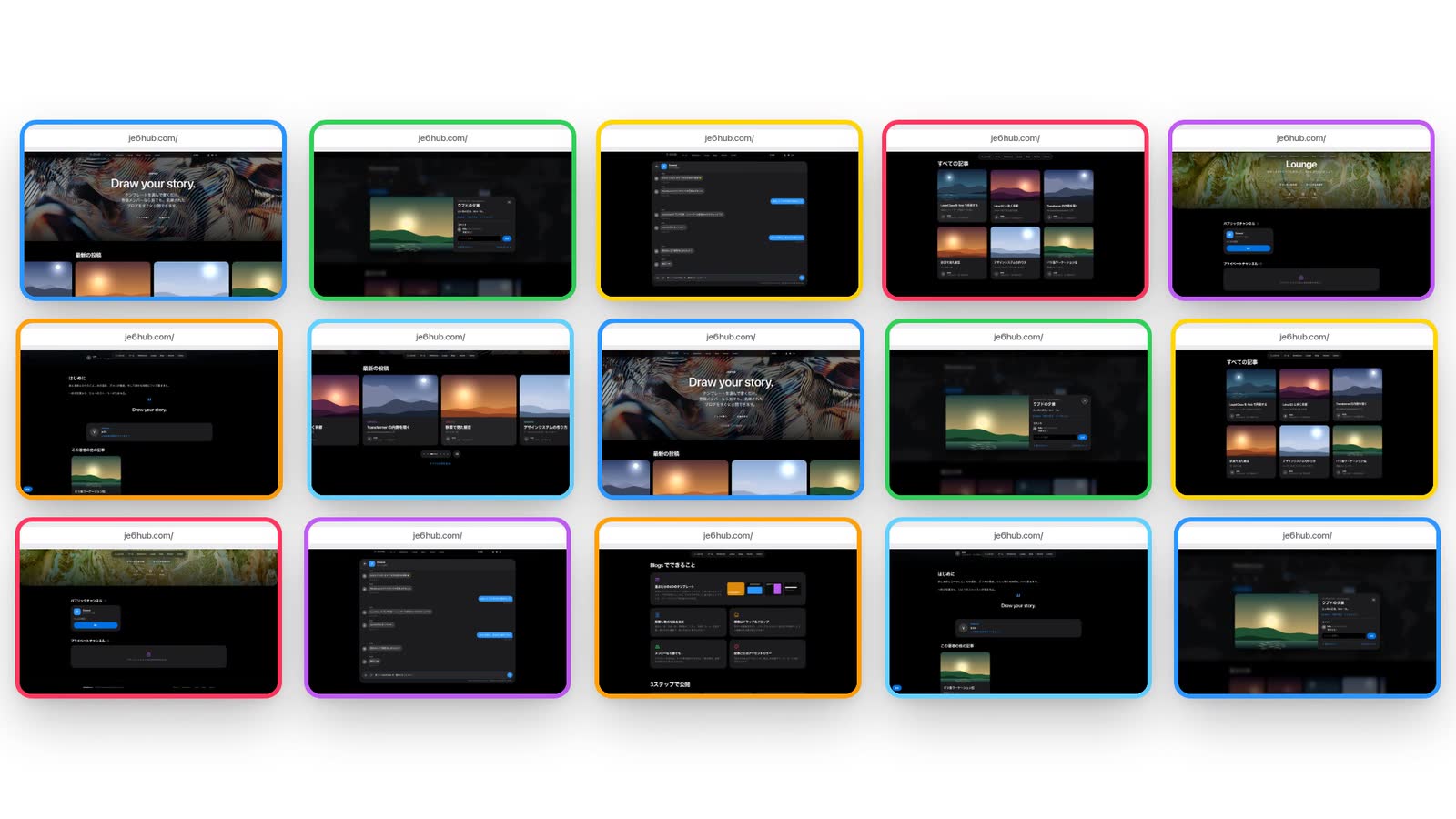
Full-cover Feature, the timeless Classic, Split with a photo alongside, and text-first Minimal. Switch between layouts that blend into the site's design with a single click.
Headings, left/center/right/justified alignment, lists, quotes, code, and dividers. Shape your post exactly how you want, right on screen.
Insert images into your post with a button, drag & drop, or paste. Set the cover image right where you are.
Create an account and start writing right away. Save drafts and publish or unpublish whenever you like.
Choose from six accents to tie together headings, links, and cards.
Pick a layout and accent color that fit the mood of your post.
Add a title, cover image, and body. Press ⌘/Ctrl + S to save a draft at any time.
Publish with one click. Your post appears in the list and among the latest posts on the home page.
Travel logs, tech notes, everyday discoveries. Every story is welcome.